
Getting started with Azordi
4 min read
Welcome! Azordi is your booking + business platform. Here's the fastest path from a fresh account to taking real bookings. Work top to bottom and you'll be live in about 10 minutes.
Step by step
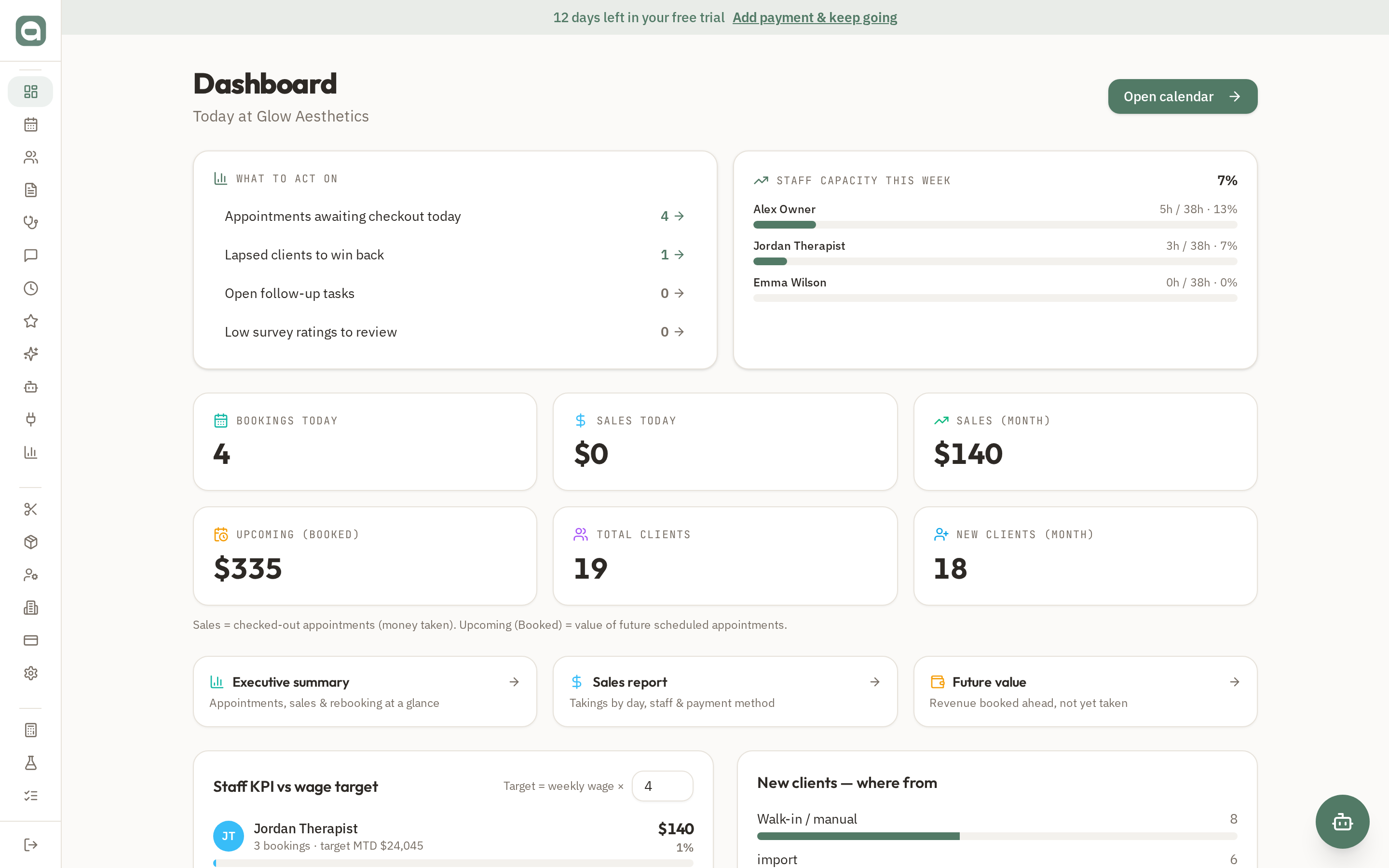
- 1Sign in and land on your Dashboard — this is your daily home base showing today's bookings, sales and 'what to act on'.
- 2Go to Setup → Services and add the treatments you offer, with price and duration. This is what clients pick when booking.
- 3Go to Setup → Staff and add your team, set their working days/hours and make them 'bookable'.
- 4Open Setup → Business Info to add your logo, address and contact details — these appear on your public booking page.
- 5Share your public booking link (yourclinic on /book/your-slug) so clients can book online 24/7.
Tips
- Your free trial banner at the top shows days remaining — add payment any time from Billing to keep going.
- The Dashboard 'What to act on' panel surfaces appointments awaiting checkout, lapsed clients and open tasks so nothing slips.