
AI Assistant
3 min read
The Assistant is your AI copilot. It knows your live clinic data (for owners/admins) and helps with everything from numbers to newsletters.
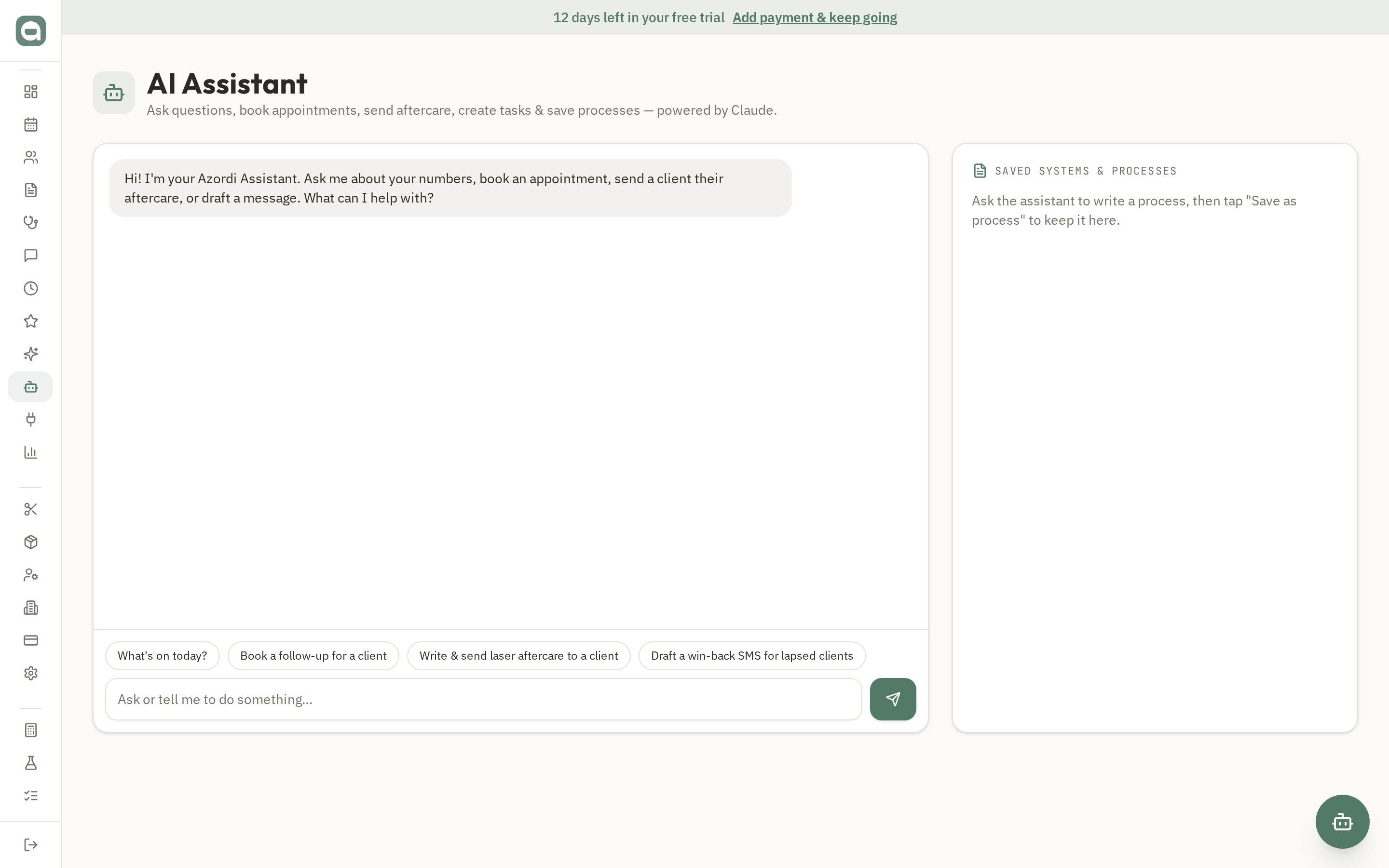
Step by step
- 1Open Assistant and type a question, or tap one of the suggestion chips to get started.
- 2Ask business questions ('how is revenue tracking this week?'), request marketing/SMS copy, draft client aftercare replies, or summarise treatment notes.
- 3Ask it to write a process (SOP) — then tap 'Save as process' on the reply to keep it in your Saved systems & processes panel.
- 4Delete a saved process any time from that panel.
Tips
- The Assistant is available to staff too, but business financials (revenue, sales, segment counts) are only shown to owners/admins.
- Saved processes you create as a staff member are private to you; owners and admins can see all clinic processes.