
CRM & client retention
4 min read
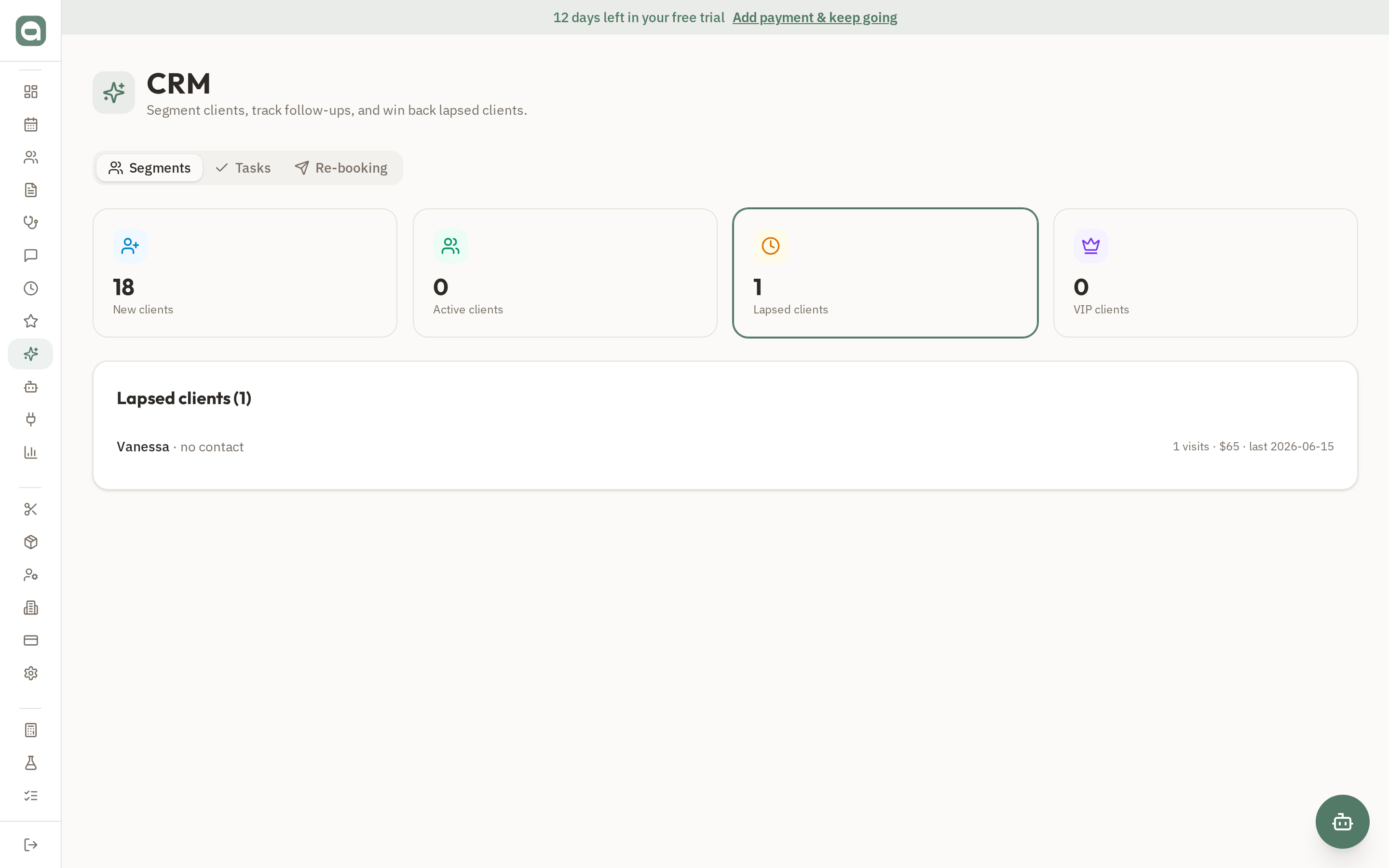
The CRM helps you keep clients coming back. It groups your clients into segments and gives you tools to act on each.
Step by step
- 1Open CRM to see your New, Active, Lapsed and VIP segments. Click any segment to drill into the clients inside it.
- 2Create follow-up tasks, assign them to a team member and set a due date. Assignees see them in their dashboard's 'My follow-ups'.
- 3Send a rebooking or campaign SMS to a whole segment in a couple of clicks.
- 4Turn on automatic win-back to text lapsed clients a return offer — with built-in de-duplication so no one gets spammed.
Tips
- Win-back messages send when CRM activity runs, and each client is only messaged once per lapse to protect your brand.