
Billing & subscription
2 min read
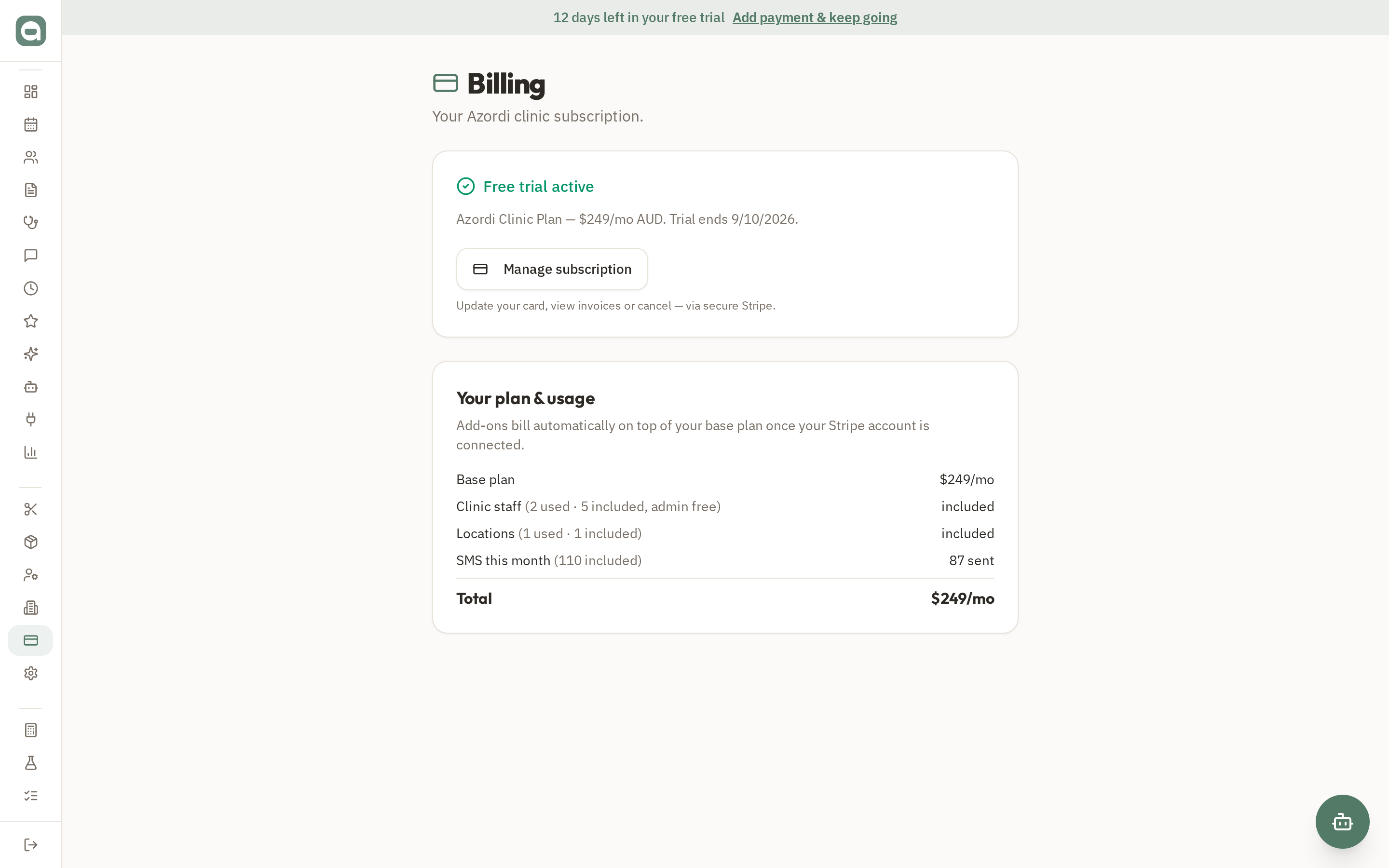
Billing is where you manage your Azordi subscription — separate from the payments your clinic takes from its own clients.
Step by step
- 1Open Billing to see your current plan and trial status.
- 2Add or update your payment method to move from trial to a paid subscription.
- 3Manage your subscription and access invoices through the secure customer portal.
Tips
- Card payments are handled securely by Stripe — Azordi never stores your full card number.