
Integrations
3 min read
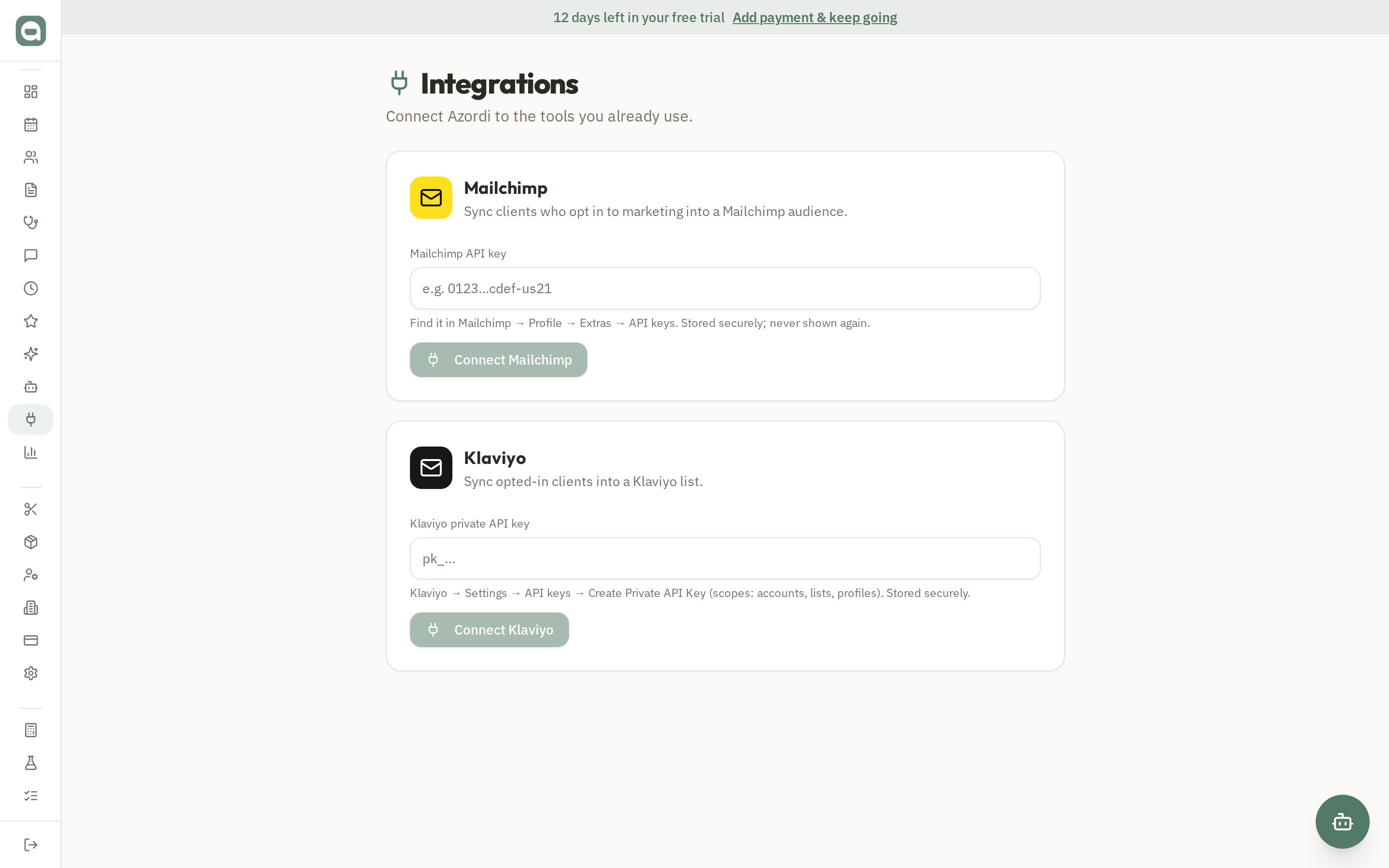
Integrations connect Azordi to your marketing tools so opted-in clients flow through automatically, with two-way unsubscribe respected.
Step by step
- 1Open Integrations and choose the tool you want to connect (e.g. Mailchimp or Klaviyo).
- 2Enter your provider API key and pick the audience/list to sync into.
- 3Choose manual or automatic sync of your opted-in clients, with tags applied.
- 4Unsubscribes on the provider side flow back to Azordi and switch the client's opt-in off, keeping consent in sync.
Tips
- Only clients who have opted in to marketing are ever synced — consent is respected end to end.