
Reports
3 min read
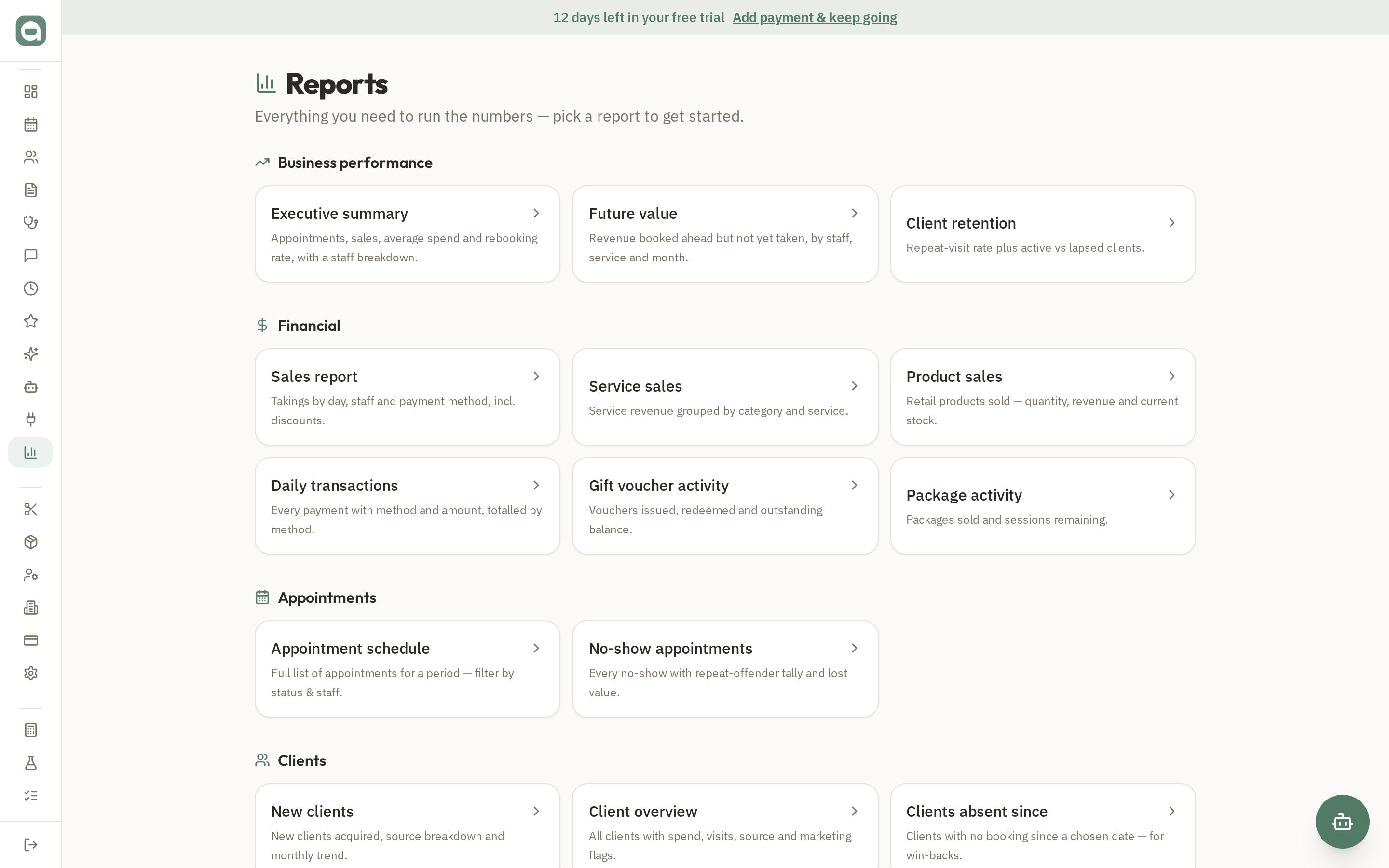
The Reports hub gives you a curated set of business, financial, appointment, client and staff reports — no spreadsheets required.
Step by step
- 1Open Reports (Sales Report in the menu) to see reports grouped by category.
- 2Start with the Executive summary for appointments, sales and rebooking at a glance.
- 3Dig into Sales for takings by day, staff and payment method, or Future Value for revenue already booked ahead.
- 4Use the client and staff reports to see retention, capacity and utilisation.
Tips
- Reports respect permissions — only owners, admins or staff granted 'view reports' can open this section.