
Consult forms
3 min read
Consult forms capture medical history and consent digitally, and feed straight into medical alerts so nothing important is missed.
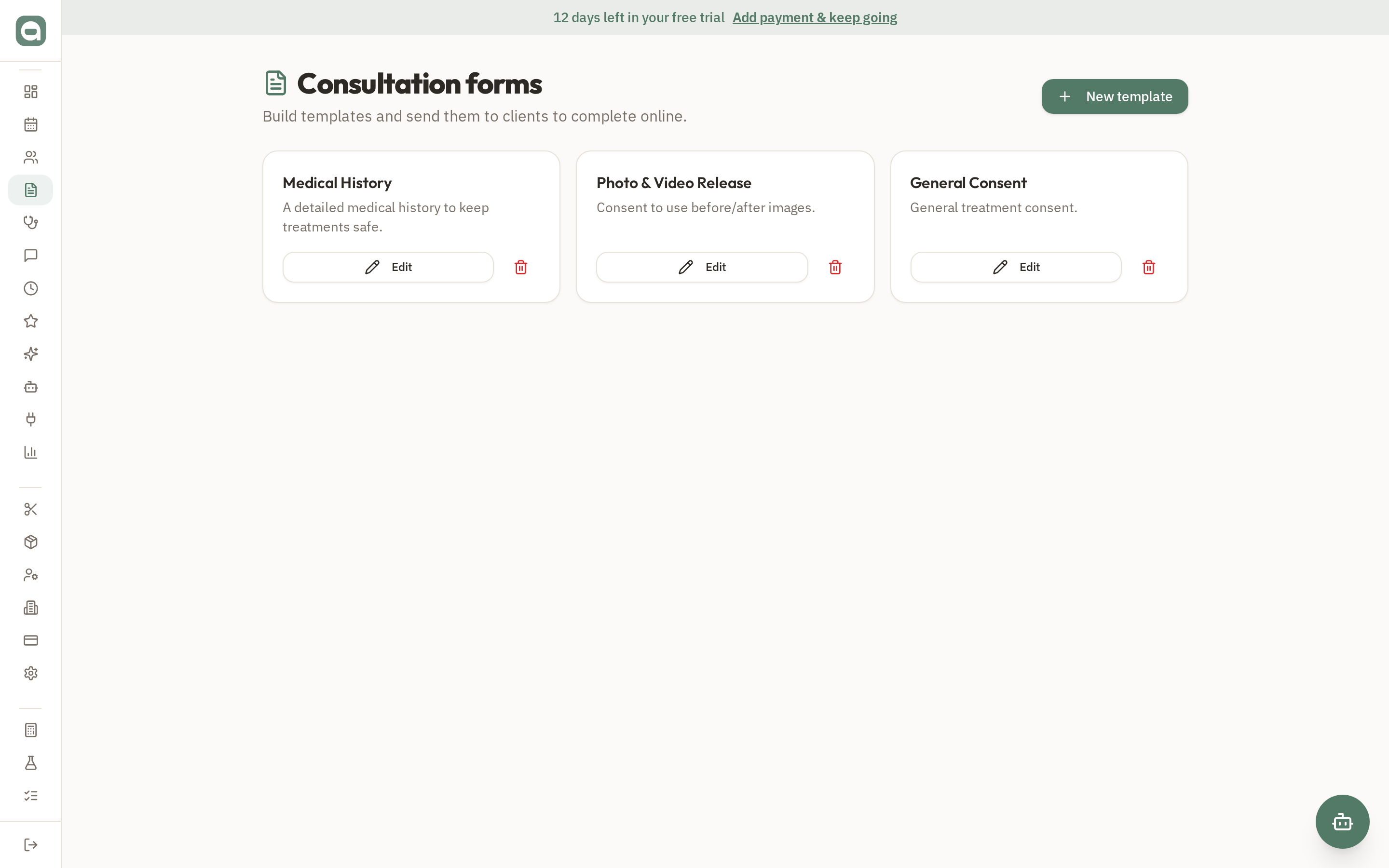
Step by step
- 1Open Consult Forms to see your form templates and any completed submissions.
- 2Send a form to a client — they receive a secure link (by SMS or shared directly) and complete it on their own device.
- 3Submitted forms are saved to the client's file, immutable, with a timestamp.
- 4Answers that indicate a risk (allergies, pregnancy, medications, etc.) automatically raise a Medical Alert on that client.
Tips
- Original submitted forms are never edited — they're a permanent record. New information creates new entries.