
Treatment charts
4 min read
Treatment charts are your clinical record — linked to the appointment, attributed to the practitioner, and kept as an append-only history.
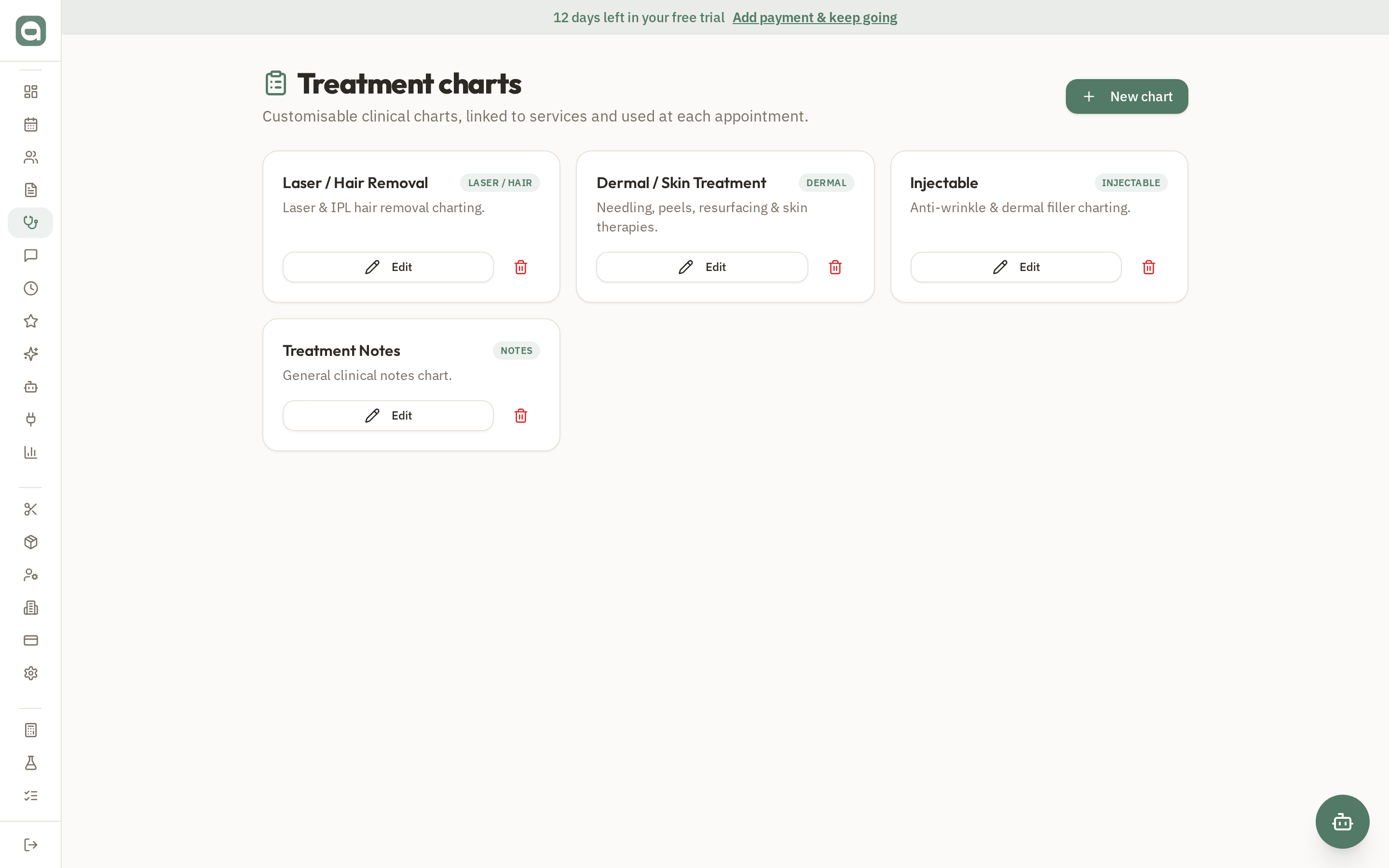
Step by step
- 1Set up reusable templates by service under Treatment Charts (e.g. Laser/Hair, Injectable, Dermal).
- 2From an appointment or the client's file, start a chart — the right template loads automatically for that service.
- 3Record settings and notes, drop pins on the 2D body map, and attach before/after photos to the chart.
- 4Need to repeat last visit's settings? Use 'Duplicate previous chart' and adjust.
- 5Every chart is timestamped and attributed, and past charts remain in the client's file chronologically.
Tips
- Charts are append-only for medico-legal safety — you add new charts rather than overwriting old ones.