
Managing clients
4 min read
Every client has a rich file: contact details, appointment history, treatment charts, forms, credit balance and packages.
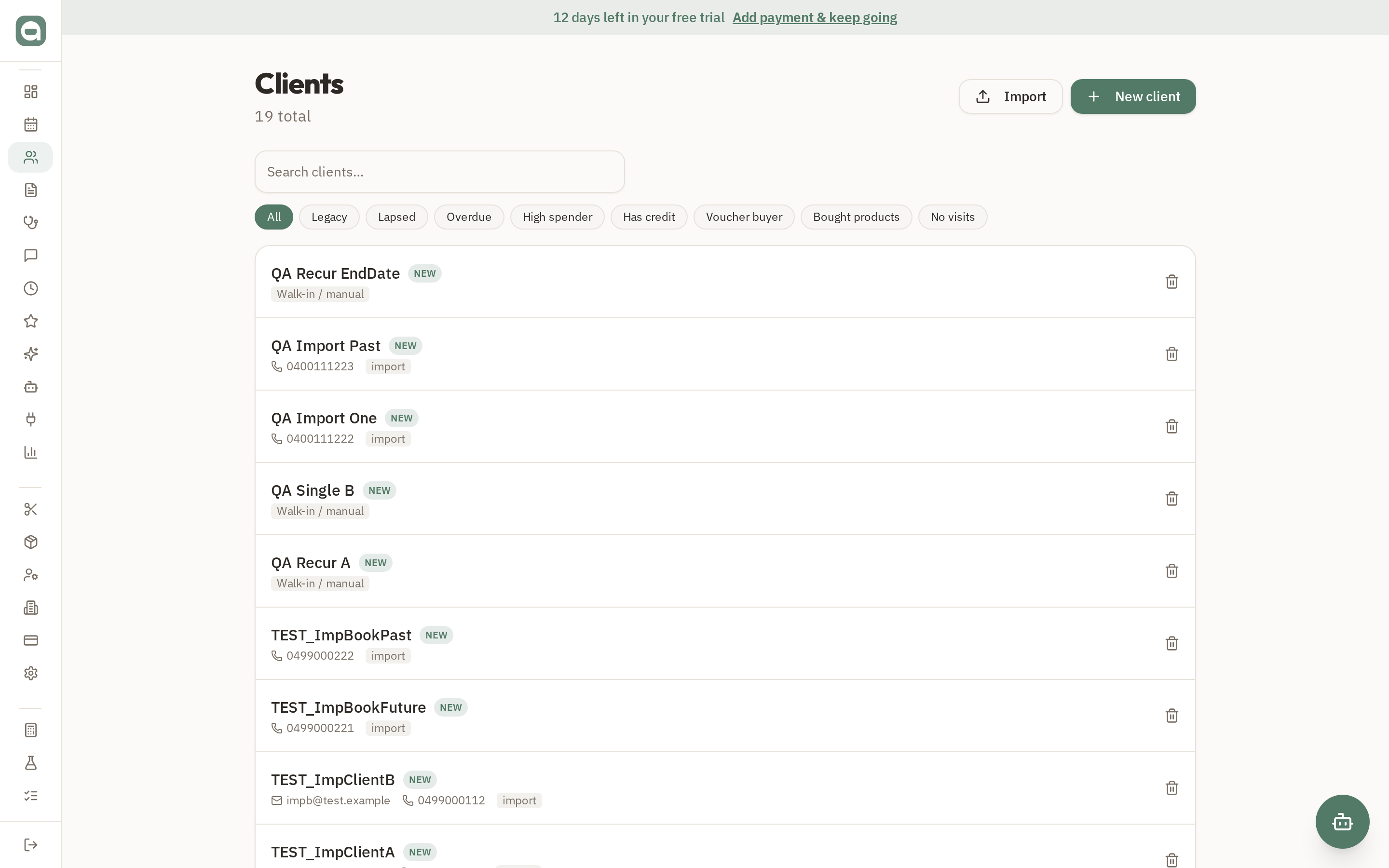
Step by step
- 1Open Clients and search by name or phone. Click a client to open their full file.
- 2Add a new client with the 'New client' button — capture their name, contact details and how they found you.
- 3Inside a client file you'll see tabs for their history, charts, forms, photos and account (credit & packages).
- 4Moving from another system? Use 'Import' to upload a CSV — duplicates and rows without a name are skipped automatically, and you get a summary of what imported.
Tips
- Client credit and pre-paid packages are tracked automatically and can be applied at checkout or rolled into a deposit.